Best external network penetration testing tools in 2026
See which external network penetration testing tools to run at each attack phase, with real commands and output, and when to buy a platform.

Exploiting a vulnerability is now the most common way into an organization. Verizon’s 2026 DBIR puts exploitation at 31% of initial access, ahead of credential abuse at 13%. It also found that organizations fully fixed only 26% of the vulnerabilities in CISA’s Known Exploited Vulnerabilities catalog, with a median of 43 days to resolve one.
An external network pentest looks at that exposure the way an attacker does. NIST SP 800-115 defines external testing as testing from outside the security perimeter, usually from the internet. It starts from public records and DNS, then moves to the hosts and services that answer. PCI DSS v4.0 requires one at least every 12 months and after any significant change (Requirement 11.4.3).
Your scope sheet has a few domains and a couple of IP ranges on it, and every list of external network penetration testing tools you find mixes Nmap in with Wi-Fi crackers and packet sniffers. None of them say which tool runs when, or what its output still leaves unproven. An annual test also only shows the perimeter on one day, which is why more teams are moving to a continuous pentesting program.
This guide starts with the platforms that automate an external test, from autonomous pentesting to continuous vulnerability scanning. It then walks the four phases the free tools cover, with a real command and output for each. Escape’s guide to the external penetration test covers the full method, and its types of penetration testing guide shows where external testing fits.
External penetration testing tools at a glance
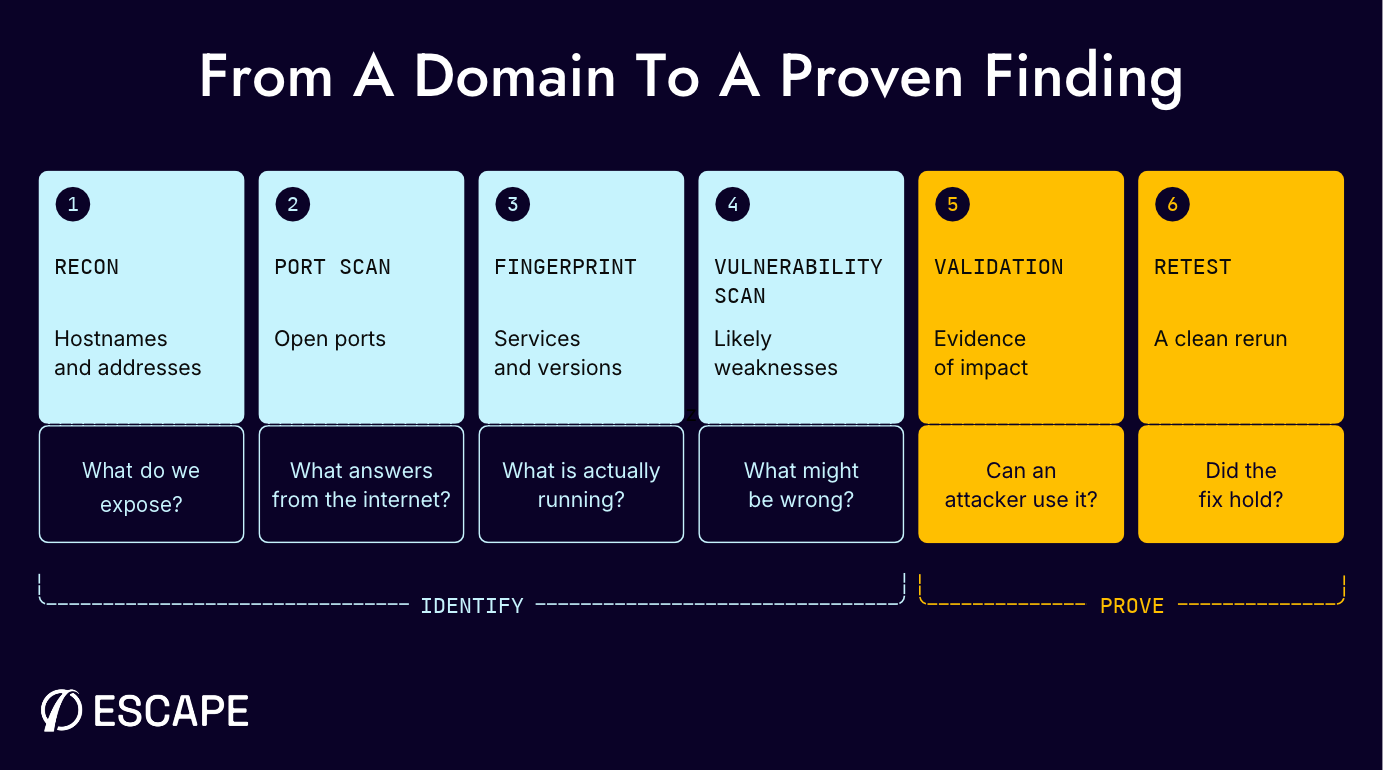
An external test starts with nothing but a domain name and a few IP ranges. By the end, you want a list of what’s exposed, proof that the weaknesses are real, and a rerun showing the fixes hold.
Platforms run that whole path as one workflow. The free external penetration testing tools each cover one stretch of it, so plan the order too, since a host that recon misses never reaches the port scan or the exploit check.
Automated external network pentesting platforms
An autonomous platform runs discovery, testing, evidence and reruns as one repeatable workflow. It covers the entire pentest process end-to-end for small security teams who can't keep up with the rate at which perimeters change between engagements as hosts, ports, and certificates come and go.
Escape’s guide to automated penetration testing tools covers the wider category, but this dives deeper into the specific pros and cons of automated tools within external network pentesting.
| Tool | Type | Proof attached to findings | Published price | Best for |
|---|---|---|---|---|
| Platforms that attach proof | ||||
| Escape | Continuous webapp, API, and AI agent pentesting plus AI network pentesting | Yes, a reporter agent reruns each finding against the live target | Scoped per environment on request | Discovery to proven external findings on one platform |
| Pentera Surface | Autonomous external pentesting | Yes, evidence from each executed attack path | None listed | External attack-path testing |
| Horizon3.ai NodeZero | Autonomous pentesting | Yes, proof of exploit and impact | $15 per asset per test (Flex) | External and internal pentesting with one-click retest |
| Astra | Pentest plans, autonomous or with certified pentesters | Video proof and reproduction steps | From $2,999 per target per year | Autonomous testing backed by certified pentesters |
| Scanning and vulnerability management platforms | ||||
| Intruder | Vulnerability scanning | Only in its separate web app pentest | Cloud from $239 a month, billed annually | Continuous external scanning with emerging-threat checks |
| Qualys VMDR | Risk-based vulnerability management | No, needs a separate exploitation step | SMB packages from $2,195 | Prioritization across on-prem, cloud and perimeter |
| Rapid7 InsightVM | Vulnerability management in Exposure Command | Through Metasploit | From $1.62 per asset per month at 500 assets | Vulnerability management with Metasploit validation |
Escape
If your network pentest and your app pentest come from different vendors, you get two report formats and two definitions of “proven.” Escape runs network, web app, API and AI agent pentesting on one platform, all on Cascade, its multi-agent pentest engine. Every finding comes back with proof, whichever layer it sits on.
AI Network Pentesting is the newest piece of that. You paste in the IPs, IPv4 ranges or domains you want tested. Its agents then attack them from the internet or, through a private location, from inside your network. It tests exactly that scope. It doesn’t enumerate subdomains or pull assets from cloud or DNS integrations, so nothing outside your rules of engagement gets touched.
Findings are proven before they reach you. A reporter agent reruns each candidate against the live target and attaches the evidence. On production perimeters, guardrails do what a careful human tester would.
Web servers inside the scope get basic checks during the network run. For authenticated and business logic testing of those apps, or of their APIs and the LLM features and AI agents built into them, you run an AI Pentesting assessment on the same platform.
Pentera Surface

Pentera Surface runs autonomous penetration tests against internet-facing domains, IPs, services, applications and interfaces, chaining vulnerabilities, misconfigurations, exposed services and leaked credentials into reachable attack paths. Internal networks need a separate product, Pentera Core.
Escape’s Pentera comparison covers how the two products differ.
Horizon3.ai NodeZero
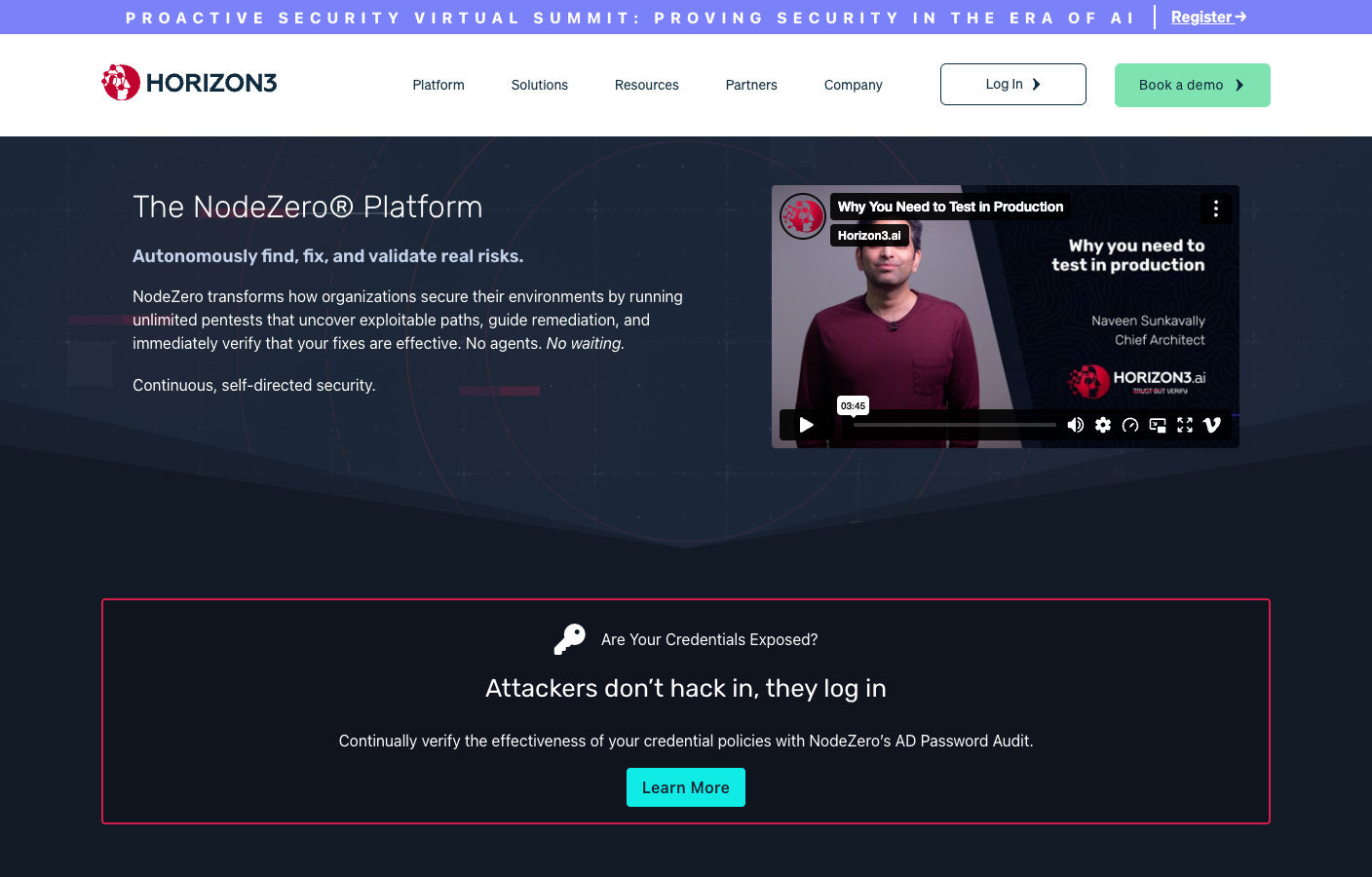
NodeZero runs external pentests from the Horizon3 cloud and internal ones from a Docker host or OVA, and Horizon3 describes it as agentless. Its asset discovery is passive, using DNS and other OSINT sources, and combined internal tests can follow a foothold deeper into the environment.
Check out our Horizon3 alternatives page, which compares the options.
Astra
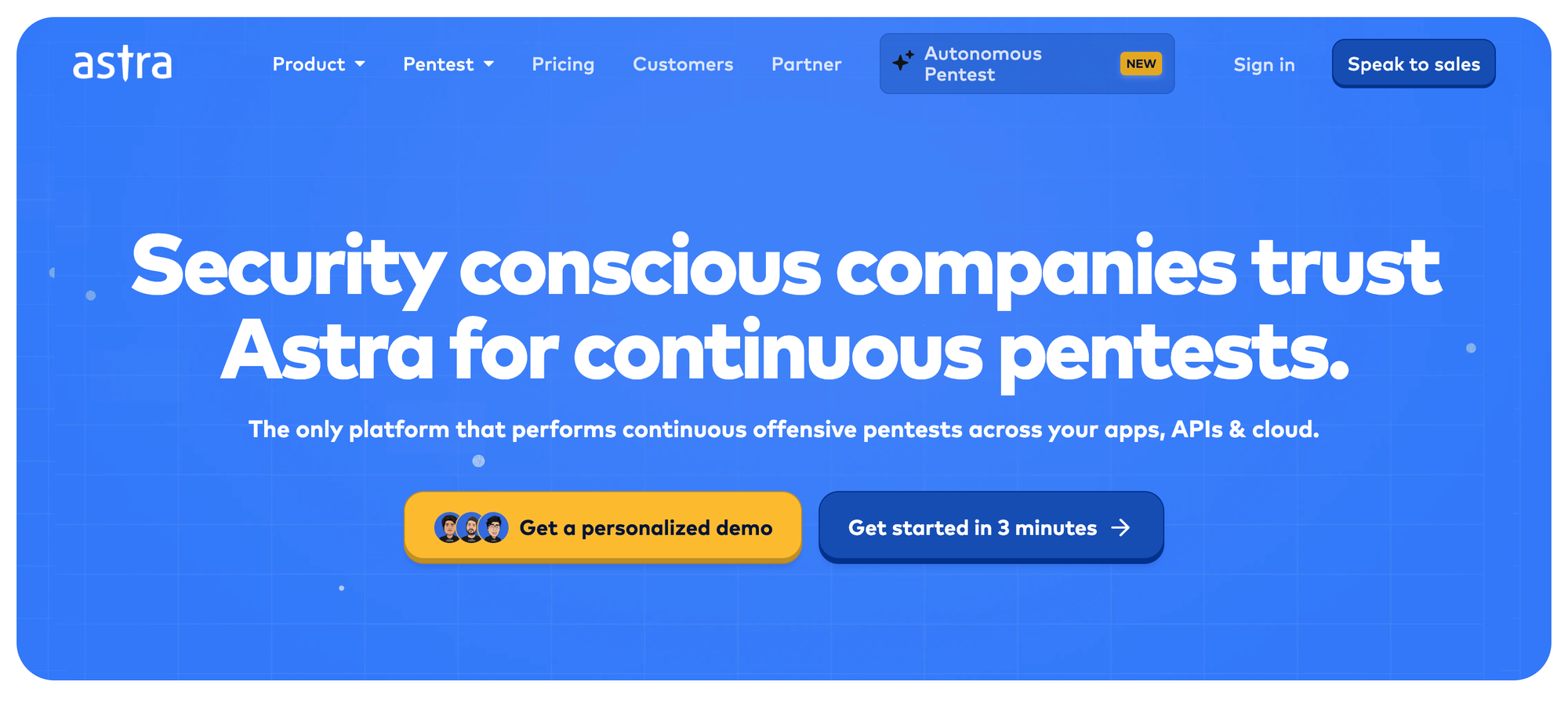
Astra sells pentest plans per target per year, mixing autonomous testing with certified pentesters. Its autonomous testing covers web applications and APIs today, with cloud infrastructure on the roadmap.
Continuous scanning and vulnerability management platforms
Continuous scanning platforms keep your asset and vulnerability data current, then rank remediation work and route it to owners. They produce a prioritized vulnerability queue, which is a different deliverable from a proven exploit.
Intruder
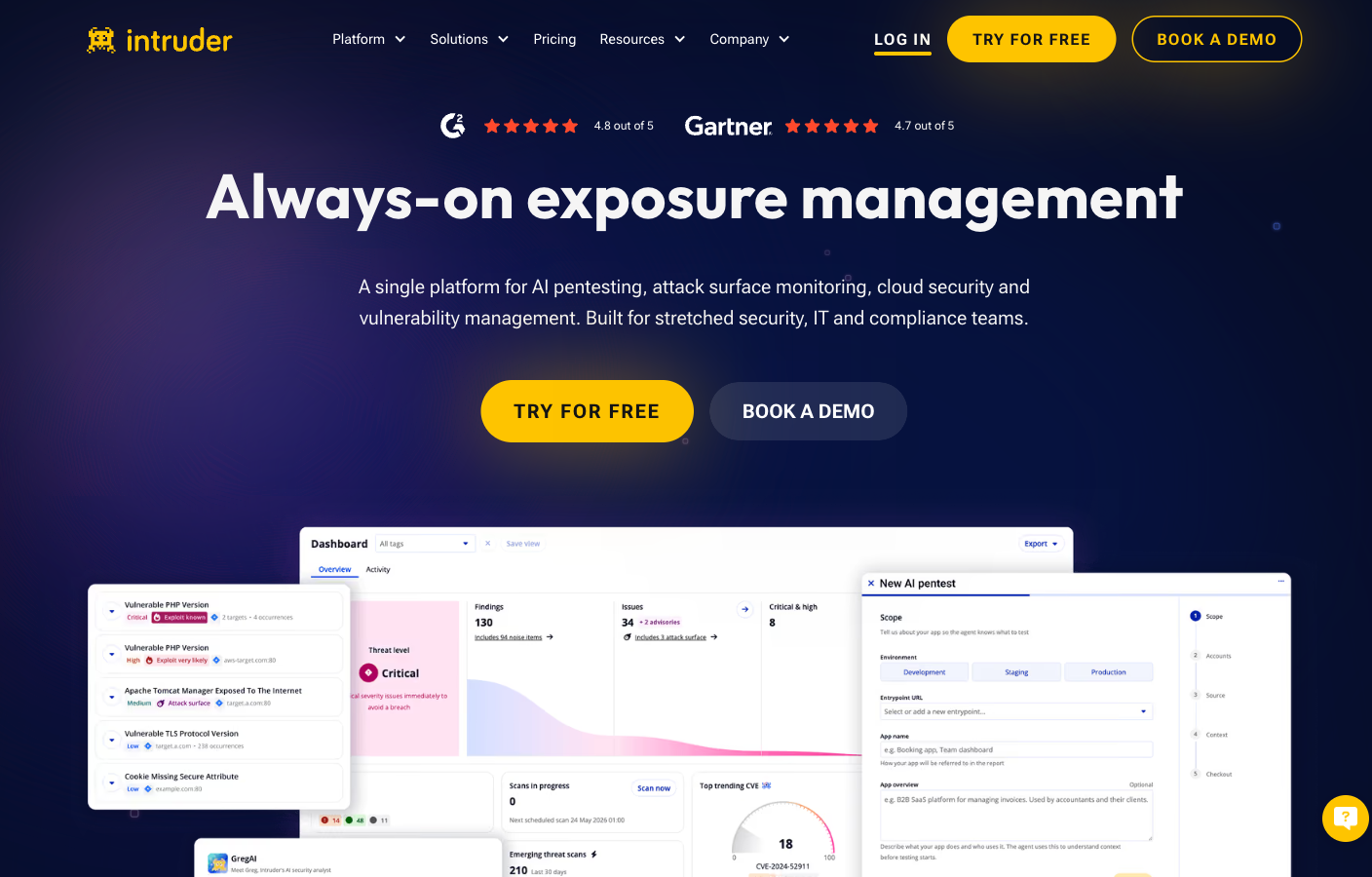
Intruder calls itself a vulnerability scanner, and once you connect cloud accounts, domains and IPs, it discovers internet-facing assets without agents. It launches emerging-threat scans within hours of a critical disclosure, while its separate $4,000 pentest is a white-box web application assessment that stays at the web layer.
Qualys VMDR
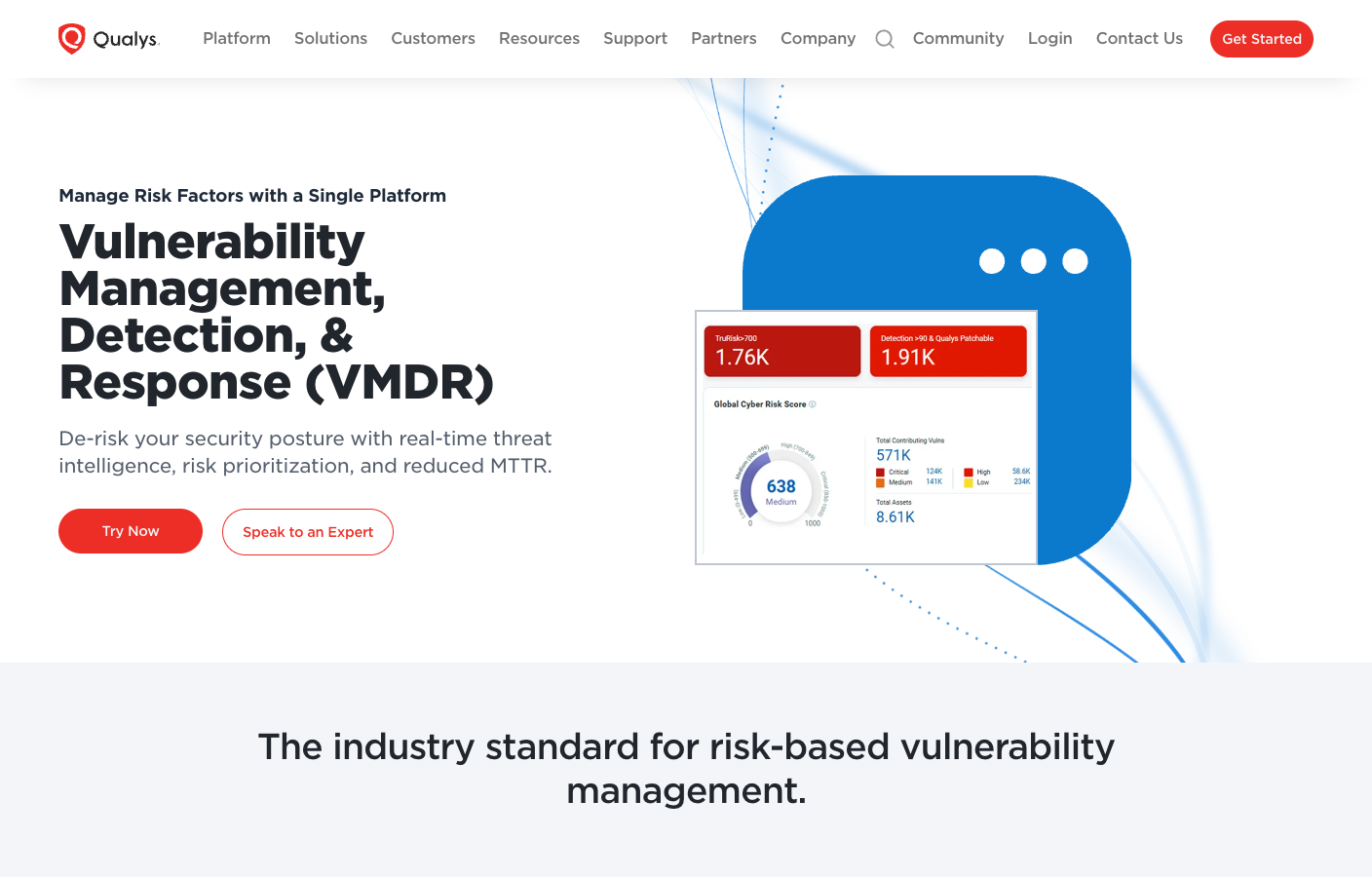
Qualys VMDR handles risk-based vulnerability management across on-premises, cloud and internet-facing assets, with TruRisk adding threat intelligence to prioritization. It ranks and routes remediation, and turning a likely weakness into a proven finding takes a separate exploitation step.
Rapid7 InsightVM
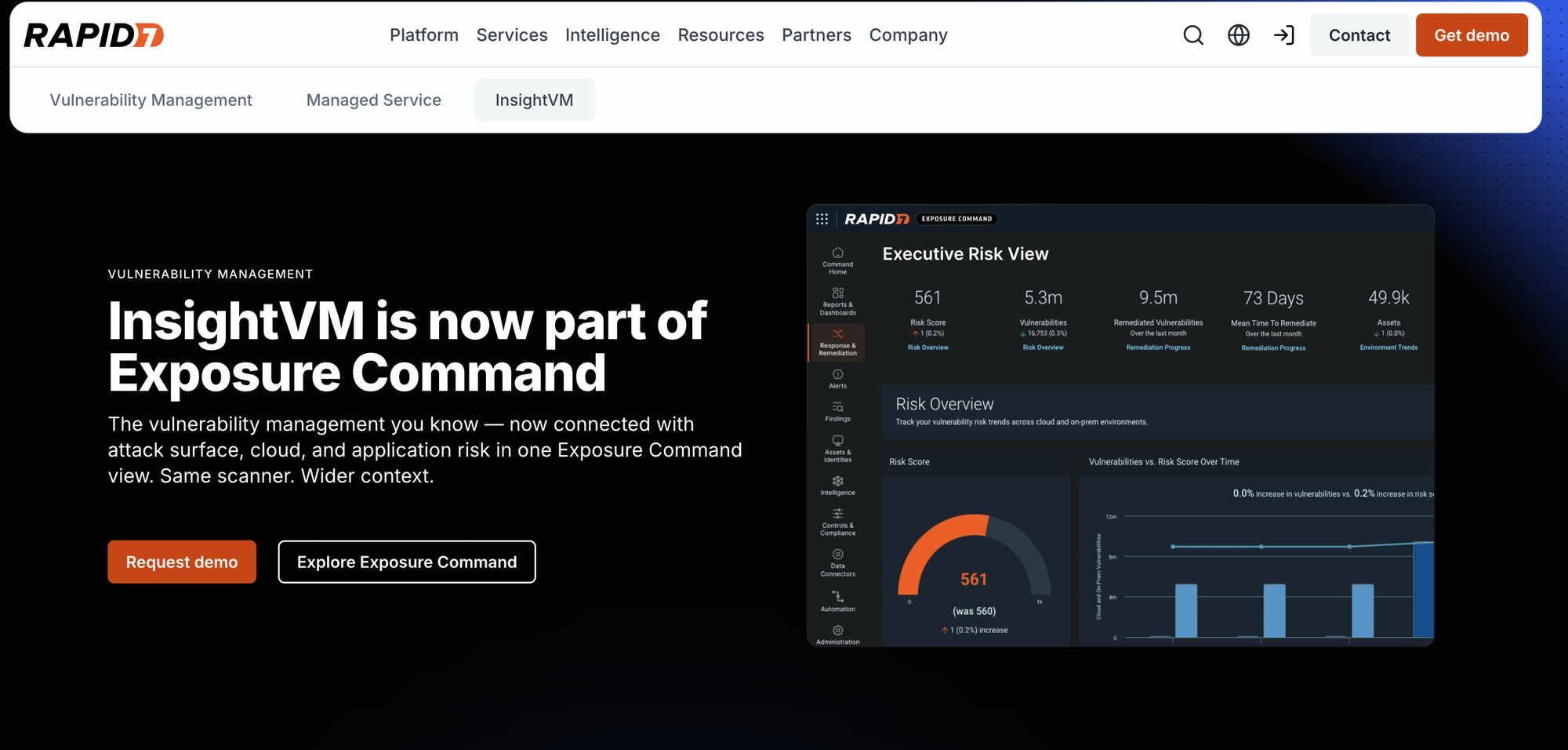
InsightVM is the vulnerability management technology behind Rapid7 Exposure Command. Rapid7 recommends running external scans without credentials alongside internal authenticated scans, and it uses Metasploit for validation.
Free external penetration testing tools by attack phase
The free stack covers the same path the platforms automate, one tool per job. When you pick the best penetration testing tools for each phase, keep the order, because each phase feeds the next.
The external penetration testing tools below each cover one stretch of that path. When you pick the best penetration testing tools for the job, plan the order too, since a host that recon misses never reaches the port scan or the exploit check.
Phase 1: Reconnaissance and asset discovery tools
Recon turns a domain into a list of hostnames, addresses and people. Start with passive sources, which show you what public records already expose before you send a single packet to the target.
Amass for subdomain enumeration
OWASP Amass builds a map of an organization’s attack surface from DNS data, certificate records, archives and APIs. Its passive mode pulls names from third-party sources without probing the target’s hosts, which lets you start the asset list before the rules of engagement allow active traffic.
Run an enumeration against one domain first, then print the names it stored to a file.
amass enum -d example.comamass db -names -d example.com > amass-subdomains.txt
The stored names come back one per line.
www.example.comapi.example.comvpn.example.commail.example.com
Those names go straight into the live-host and port checks in phase 2.
Subfinder and dnsx for passive discovery and resolution
Subfinder does the passive enumeration and dnsx resolves what it finds, dropping dead names before you scan anything. One of its sources is certificate transparency, the public, append-only log of issued certificates defined in RFC 6962.
Piping subfinder straight into dnsx keeps only the names that resolve, with the address each one points to.
subfinder -silent -d example.com | dnsx -silent -a -resp > resolved-hosts.txt
Each resolved name comes back with its record type and address.
api.example.com [A] [203.0.113.10]vpn.example.com [A] [203.0.113.24]
If the list comes back short, check which passive sources are configured before you conclude the attack surface is small.
theHarvester for people and email formats
theHarvester pulls hosts, email addresses and names from public sources. On an external test, the email format is often the most useful thing it finds, because once it’s confirmed you can build a tightly scoped username list for an authorized check against an exposed login.
Point it at the domain and run its public sources.
theHarvester -d example.com -b all
Emails come back in their own block, separate from hosts.
[*] Emails found: 2----------------------a.jones@example.comj.smith@example.com
Public data is messy, with former staff, personal addresses and old naming schemes mixed in, so prune the list and confirm ownership before any login test.
Phase 2: Port scanning and service fingerprinting tools
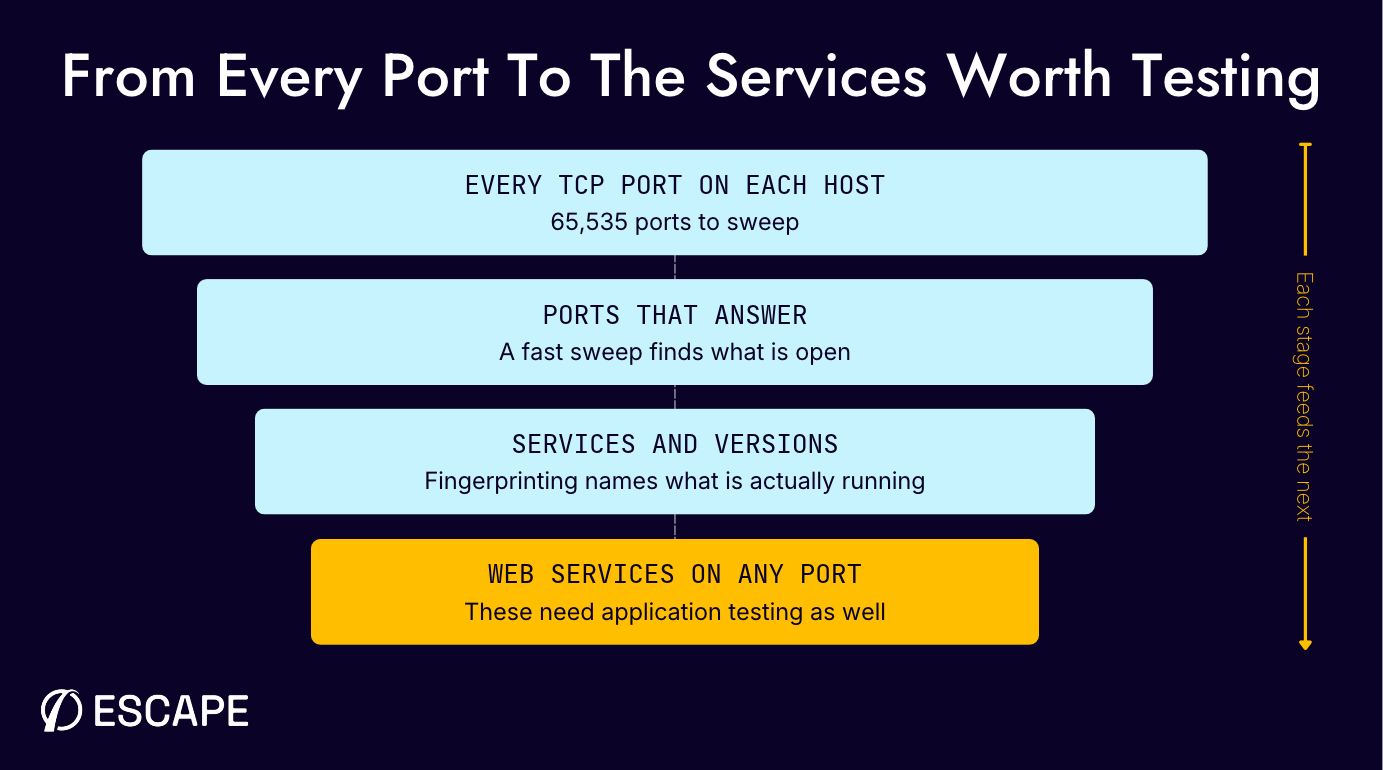
Port discovery tells you which services answer from the internet, and fingerprinting tells you which versions you’re dealing with. Keep the first sweep inside the agreed rate and scope, because this traffic hits production controls directly.
Masscan for fast port discovery
Masscan is an asynchronous SYN scanner built for speed. Turned up, it can sweep every TCP port on a small public range in minutes, though its default rate is far slower, and the rate you set should be one the owner has approved and the network can absorb.
A full-port sweep of a small public range at an approved rate looks like this.
masscan 203.0.113.0/28 -p1-65535 --rate 1000 -oL masscan-open.txt
The list file shows each open port with its address and a timestamp.
#masscanopen tcp 443 203.0.113.10 1762678800open tcp 8443 203.0.113.10 1762678801open tcp 22 203.0.113.12 1762678803# end
A SYN sweep only proves a port answered, and Masscan can grab basic banners, so real service detection is left to Nmap.
Nmap for service and version detection
Nmap probes each open port to identify the service and version behind it, and its default scripts can add SSH host keys, TLS certificate details and HTTP titles. It can save results in normal, XML and grepable formats for the report.
Point it at the open ports from the sweep for TCP service detection, and run a short UDP pass on its own.
nmap -sV -sC -p22,443,8443,3389 -oA external-services 203.0.113.10nmap -sU --top-ports 20 -oA external-udp 203.0.113.10
The TCP scan returns a service table like this.
PORT STATE SERVICE VERSION22/tcp open ssh OpenSSH 9.2p1 Debian (protocol 2.0)443/tcp open ssl/http nginx 1.24.08443/tcp open ssl/http Apache Tomcat3389/tcp filtered ms-wbt-server
Every CVE match downstream depends on this fingerprint, so confirm any ambiguous banner before you choose a template or exploit. MITRE ATT&CK tracks the same behavior from the attacker’s side as Active Scanning, T1595, covering IP block and vulnerability scanning.
httpx for web services on any port
A port list can hide web applications, because they can listen on non-standard ports and several can share one IP address. OWASP’s WSTG-INFO-04 walks through enumerating them by name and service.
Feed httpx the host and port list from the earlier scans and ask for the status code, page title and technology.
httpx -l hosts-and-ports.txt -sc -title -td -o live-web-services.txt
Each live service comes back as a URL with its status, title and stack.
https://203.0.113.10 [200] [Welcome] [Nginx]https://203.0.113.10:8443 [302] [Login] [Apache Tomcat,Java]
That list is what Nuclei works through in phase 3, and a human tester can open the same URLs in Burp Suite in phase 4.
Phase 3: Vulnerability scanning tools for the perimeter
Vulnerability scanning compares what you’ve exposed against known checks and configuration rules. What you get back is a queue of likely issues, each tied to a specific check, and none of them proven yet.
Nuclei for template-based checks
Nuclei runs community-maintained YAML templates against hosts and URLs, covering CVEs, exposed panels, default logins and misconfigurations. The severity filters keep the first pass focused.
Start with the critical and high templates against the live URL list.
nuclei -l live-web-services.txt -severity critical,high -o nuclei-findings.txt
A match names the template, protocol, severity and URL.
[tomcat-default-login] [http] [high] https://203.0.113.10:8443/manager/html
NIST notes that scanners can have a high false positive rate, so treat a match as a lead to confirm, and Nuclei only finds custom application flaws or chained attacks when someone has written a template for them. Escape’s guide to vulnerability scanning tools covers the wider category.
OpenVAS for network vulnerability scanning
OpenVAS ships in the Greenbone Community Edition stack and runs authenticated or unauthenticated network vulnerability tests against hosts and services. You build scan tasks and schedules in its web interface and review the results by host and severity.
After you create an authorized task for 203.0.113.10, start it through Greenbone’s documented command-line client.
gvm-cli socket --xml "<start_task task_id=\"7249a07c-03e1-4197-99e4-a3a9ab5b7c3b\"/>"
A successful request returns the report ID that will hold the scan results.
<start_task_response status="202" status_text="OK, request submitted"> <report_id>0f9ea6ca-abf5-4139-a772-cb68937cdfbb</report_id></start_task_response>
From outside the perimeter it only sees the banners and responses it can reach, which makes version-based matches worth confirming by hand. The scanner and its scheduled tasks cost nothing, but your team runs the containers and keeps the community feed current.
testssl.sh and ssh-audit for TLS and SSH configuration
testssl.sh checks protocol support, cipher suites, certificate problems and named TLS vulnerabilities from the command line. ssh-audit does the same job for SSH, fingerprinting key exchange, host key, cipher and message authentication algorithms and printing recommendations based on the SSH software version it recognizes.
Each takes a single target, and testssl.sh can write its results to a JSON file you attach to the finding.
testssl.sh --jsonfile-pretty tls-results.json https://example.comssh-audit 203.0.113.10
ssh-audit flags each weak algorithm with a fail or warn label.
(kex) diffie-hellman-group14-sha1 -- [fail] using broken SHA-1 hash algorithm(enc) aes128-cbc -- [warn] using weak cipher mode
Both produce configuration evidence for hygiene and compliance. A weak protocol or algorithm rarely gives an attacker a way in on its own, so keep these findings apart from proven compromise paths in the report.
Phase 4: Exploitation and validation tools
Validation pushes one path far enough to show whether a weakness is actually usable. Because these steps can change state, trigger lockouts or interrupt a service, get written authorization, agree a window and finish a safety review before you start.
Metasploit Framework for proving a known vulnerability
Metasploit Framework is Rapid7’s free, open-source exploitation framework, with more than 4,000 exploit modules by Rapid7’s count. Start from a service version you’ve already confirmed, pick a module written for that exact product and use its non-destructive check where the module has one.
For a confirmed Apache 2.4.50 service, open the console and run only the module’s check.
msfconsoleuse exploit/multi/http/apache_normalize_path_rceset RHOSTS 198.51.100.23set RPORT 8443check
The check reports Vulnerable when its delegated scanner gets hard evidence of command execution.
msf6 exploit(multi/http/apache_normalize_path_rce) > check[+] 198.51.100.23:8443 - The target is vulnerable to CVE-2021-42013 (mod_cgi is enabled).
A check that returns Vulnerable moves a finding from likely to proven, since an Appears result only reflects the version or banner, and that’s the line NIST draws between identification and validation. Read the module first, since some checks send exploit traffic and some exploits can crash a service. Keep the console transcript with the target, module, result and time.
Hydra for default and weak credentials on exposed services
Hydra tests login pairs against services such as SSH, FTP, web forms and databases. On an external test, keep it to a tiny, approved list of vendor defaults or known test accounts against one confirmed service, with a single worker and a delay between attempts.
Run this two-pair SSH check only with the service owner’s written authorization.
printf '%s\n' 'test-admin:ApprovedTestPass1!' 'test-operator:ApprovedTestPass2!' > approved-test-accounts.txthydra -C approved-test-accounts.txt -t 1 -c 5 -f ssh://192.0.2.10
A successful pair appears in Hydra’s normal service result line.
[DATA] max 1 task per 1 server, overall 1 task, 2 login tries, ~2 tries per task[DATA] attacking ssh://192.0.2.10:22/[22][ssh] host: 192.0.2.10 login: test-operator password: ApprovedTestPass2!1 of 1 target successfully completed, 1 valid password found
Even a short list can lock accounts, so agree the accounts, attempt count and timing with the service owner first. A working default login proves access without any CVE match, and the report should show the username source, attempt policy and success line.
Burp Suite and Invicti for web services on the perimeter
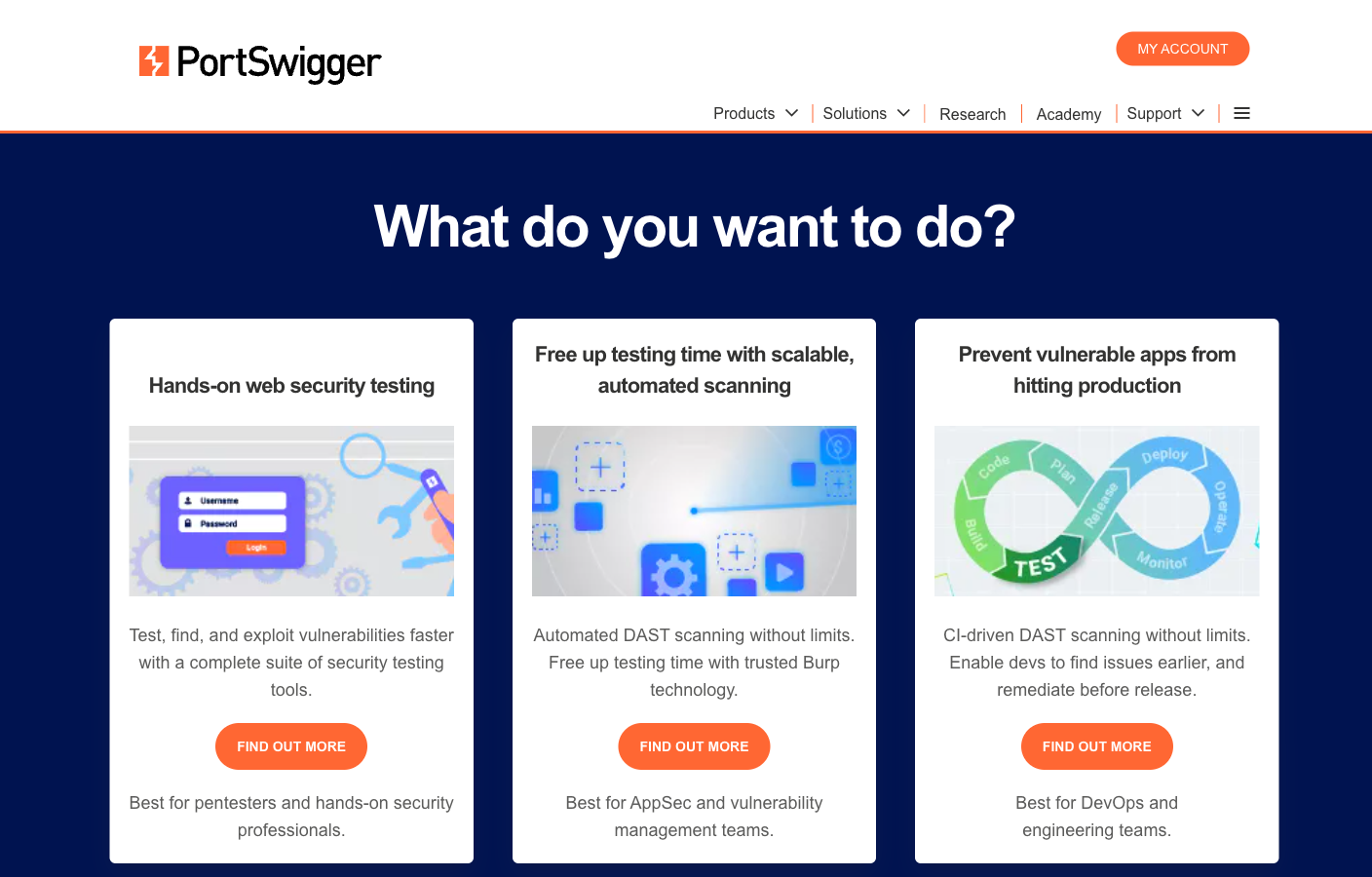
Burp Suite picks up the URLs httpx found. Burp Suite Professional gives a tester manual web tooling for $499 per user per year at the November 2026 list price, and Burp Suite DAST runs the same scanning engine at enterprise scale, with PortSwigger saying every DAST finding includes the request sent and the response that confirmed it.
Invicti applies proof-based scanning to web applications and APIs, and its docs say it safely exploits confirmed vulnerabilities in a read-only way to produce proof. Neither tool tests network protocols, which stay with the earlier phases, and Escape publishes a Burp Suite comparison for application security teams.
When to buy a platform instead of running the tools yourself
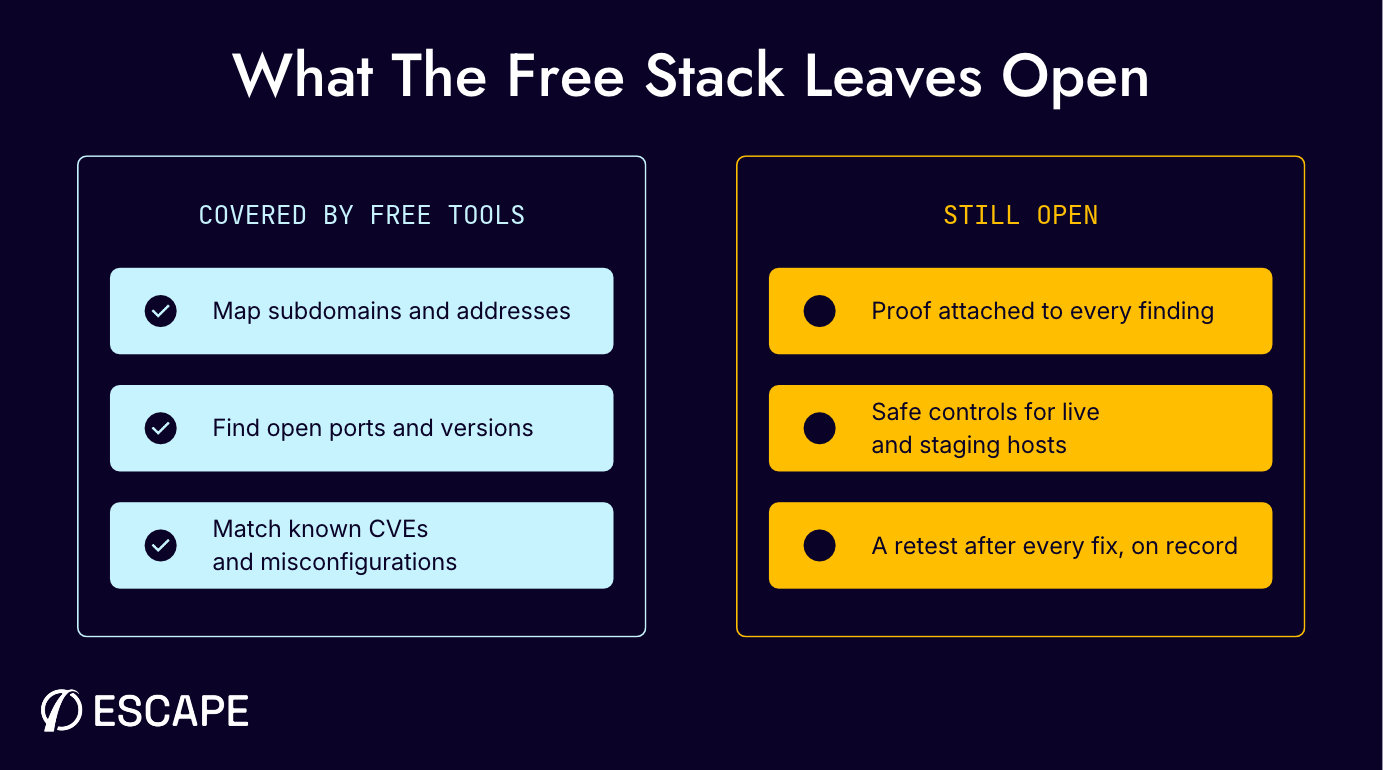
The external penetration testing tools in the free stack cover every technical phase, but they are only free to license. Someone still maintains credentials and feeds, chains the outputs, triages false positives and writes up the evidence. The chain stays point-in-time until it is scheduled.
A platform pays off once that upkeep, proof, safety controls and a retest history matter more than the license fee, and Escape’s AI Network Pentesting keeps proving findings between human-led engagements by rerunning the profile after each fix.
Proof, reporting and retesting after remediation
A finding only helps if someone can reproduce it, so it needs the request that worked, the response and a line on impact. PCI SSC guidance requires you to fix and retest, and the 2026 DBIR puts the median time to resolve a critical vulnerability at 43 days, up from 32.
Escape reruns a profile after each fix and re-checks findings with Issue Retest, while NodeZero includes unlimited tests on its annual tiers, Pentera Surface reruns attack paths and Astra lists one to four rescans.
Testing production and staging perimeters safely
NIST keeps denial-of-service techniques off production and warns that test and production environments differ. PCI SSC accepts a separate environment only when it matches production’s controls. Before testing a live perimeter, insist on an observe-only mode, approval for intrusive checks, a rate cap, a scheduled window and an emergency stop, which Escape documents in its network pentesting guardrails, down to its request-rate cap, scan kill switches and private locations for internal ranges.
Tools that belong to a different kind of test
A few tools from popular lists don’t belong in an external test. Cobalt Strike is Fortra’s red team tool for work inside a network, the breach and attack simulation tools (Cymulate, SafeBreach, AttackIQ) check whether controls stop known techniques, and RidgeBot is an automated pentest product outside this shortlist.
Wireless crackers, packet sniffers and offline crackers need a different scope sheet.
Conclusion
Running the free stack first teaches you a lot about your own perimeter, and it gives you a baseline for judging any platform by the evidence and retest record it keeps. When you need proof on every finding and safe controls for live testing, Escape pairs ASM discovery with a separate AI Network Pentesting assessment on Cascade. Book a demo to see both run against your own perimeter.
FAQs
What tools are used for external network penetration testing?
A typical external test uses Amass and subfinder for recon, masscan and Nmap for ports and versions, Nuclei and OpenVAS for vulnerability checks, and Metasploit and Hydra to validate selected findings under authorization. Burp Suite covers the web services you find on open ports.
Is Nmap enough for an external penetration test?
Nmap covers port discovery, service detection and selected scripts, which makes it central to phase 2. A complete nmap external pentest workflow still needs other tools for subdomain enumeration, vulnerability validation and application testing.
What is the difference between a vulnerability scan and an external penetration test?
A vulnerability scan identifies likely weaknesses from templates, versions and responses, so it can include false positives. An external penetration test goes further and validates selected findings through authorized exploitation, with the evidence recorded.
NIST SP 800-115 treats identification and validation as separate testing techniques.
Are free penetration testing tools enough for an external test?
Free penetration testing tools cover each phase if you’re a skilled tester working to a bounded scope. Kali Linux penetration testing tools package several of them, but you still chain outputs, triage results, update feeds and keep retest records yourself, and that operating work is what a platform takes off your plate.
How much do external network pentesting tools cost?
Escape scopes pricing per environment on request, and the open-source stack is free to license. Among published prices in November 2026, NodeZero started at $15 per asset per test, Intruder Cloud at $239 a month on annual billing, Astra network coverage at $5,999 per target per year and Burp Suite Professional at $499 per user per year, while Pentera’s site lists no price.
What is the difference between internal and external network pentesting tools?
External tools run from the internet without credentials and focus on public discovery, exposed services and perimeter paths. Internal testing adds Active Directory, lateral movement and credential tooling for systems behind the perimeter.
Do you need permission to run these tools against your own perimeter?
Yes, you need written authorization from the owner of every target, plus any approval your cloud or hosting provider’s terms require. Agree the rules of engagement and testing window before you scan, and name credential tests and exploitation explicitly, since those steps can lock accounts or affect services.
Sources
- NIST SP 800-115, Technical Guide to Information Security Testing and Assessment - NIST
- Information Supplement, Penetration Testing Guidance v1.1 - PCI Security Standards Council
- 2026 Data Breach Investigations Report, executive summary - Verizon
- Active Scanning, T1595 - MITRE ATT&CK
- RFC 6962, Certificate Transparency - IETF
- WSTG-INFO-04, Enumerate Applications on Webserver - OWASP
- Recon tool documentation - OWASP Amass, subfinder, dnsx, theHarvester
- Scanning and validation tool documentation - masscan, Nmap, httpx, Nuclei, Greenbone Community Edition, testssl.sh, ssh-audit, Metasploit, Hydra